

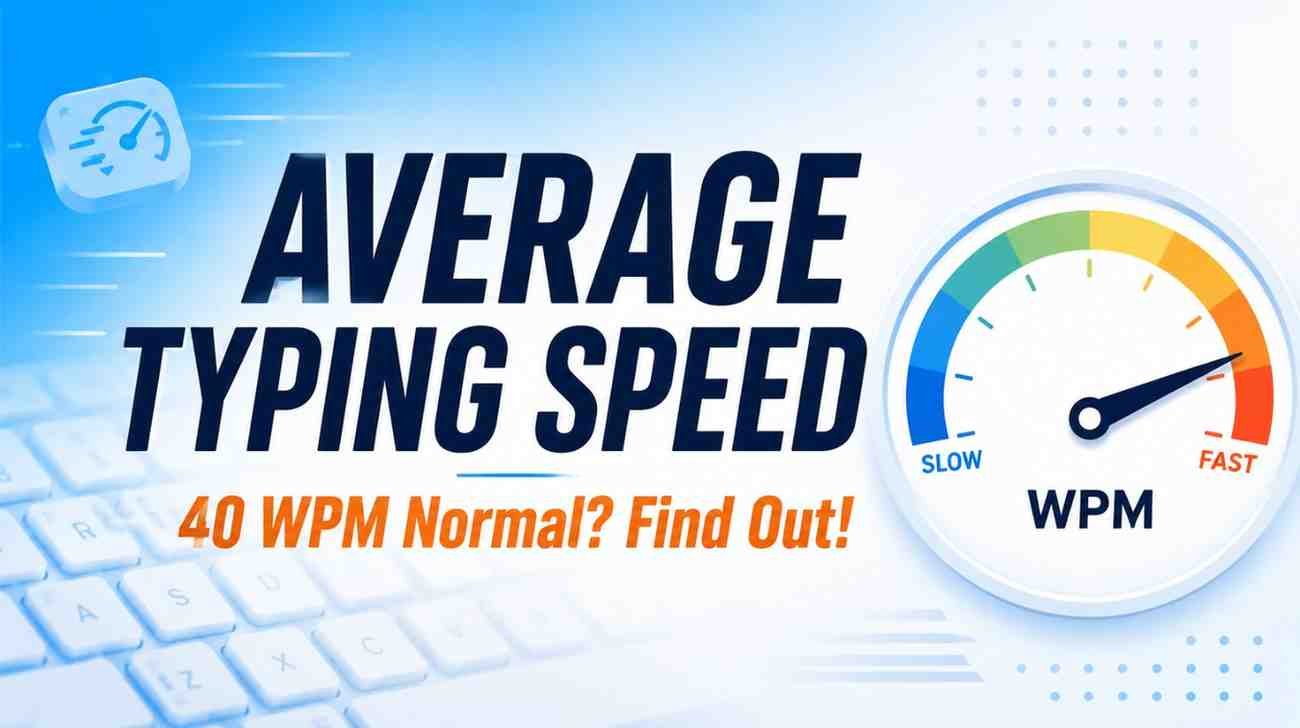
From experience, most adults type near 40 words per minute, a broadly accepted range backed by standardized tests and real-world workplace data. This productive metric holds whether you’re composing an email or writing longer texts.
The distribution clearly reveals that beginners at 20–35 WPM reach steady improvement through deliberate practice on any QWERTY keyboard layout, while touch typists who build muscle memory via the home-row method consistently surpass 65 WPM.
What Is the Average Typing Speed
Most typists assume raw speed alone defines real competence, yet accuracy matters equally. The average typing speed for adults sits near 40–52 WPM, with a median of 47 WPM drawn from 100,000 documented typing sessions.
Beginners typically range between 20–30 WPM, while proficient typists comfortably reach 60–80 WPM through regular practice. In my experience, chasing faster typing speeds without first building a solid baseline around 52.3 WPM creates unnecessary frustration.
What Is a Good Typing Speed&average typing speed
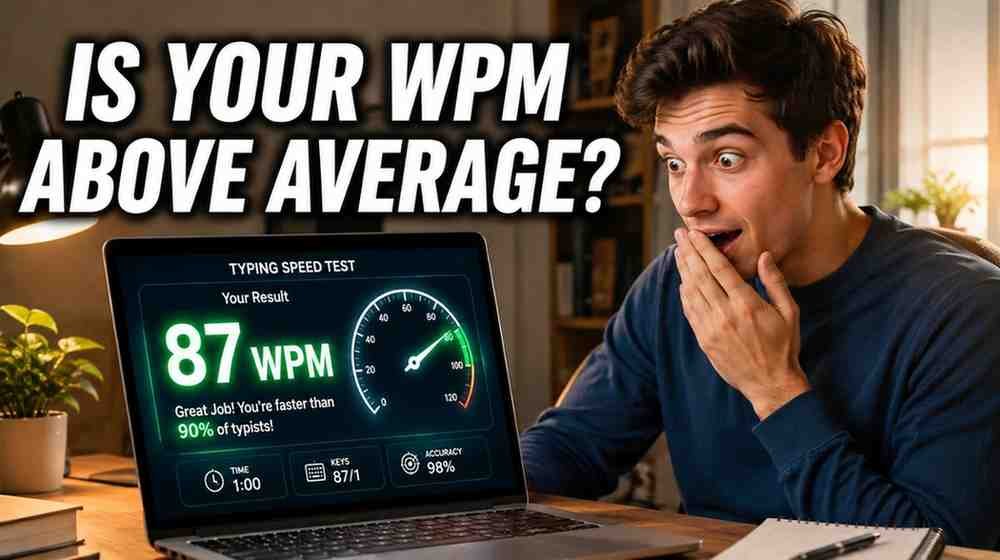
A good typing speed begins around 30 wpm for graduates in early stages, though office professional work typically requires 60 WPM at 95%+ accuracy. Professional transcriptionists sustain 50 to 70 wpm with high accuracy consistently.
Climbing from 30 to 40 wpm requires focused practice and proper training. Once speed reaches 60–80 WPM, performance becomes excellent—80+ WPM is very fast. In healthcare, errors across clinical documents compromise patient care significantly.
Average Typing Speed By Age And Profession
Understanding average typing speed across different roles requires examining how each profession shapes daily demands. An administrative assistant typically sustains 50–70 WPM, while court reporters using specialized stenotype keyboards reach 225 WPM through intensive training.
In my experience, new typists start near 20 WPM, seeing largest gains early before hitting a plateau around 50–60 WPM. Medical transcriptionists require 65 WPM with solid accuracy and medical terminology fluency for clinical documents.
Administrative And Customer Support Typing Speeds
Customer service positions within organizations demand a target typing speed near 50–70 WPM, while experienced administrative assistant staff push toward 65–90 WPM. In office environments, this direct job requirement becomes each team’s primary performance metric.
Beyond entry-level positions, administrative roles and customer support employees face growing productivity pressures daily. Hiring directors and managers assess call center job applicants at 60–80 WPM, treating turnaround time and work efficiency alongside emails seriously.
Data Entry Typing Speeds
Employers rarely state it, but data entry jobs filter candidates through typing tests where speed is measured independently. Professional typists in these roles typically maintain 70–90 WPM paired with 95% accuracy during sustained input sessions.
Having supervised data-entry professionals, I’ve observed how raw typing speed misleads teams. Accuracy during repetitive office work proves more valuable, since an average typist near 40 WPM who avoids correcting errors consistently outproduces faster operators
Medical Scribe and Transcription Typing Speeds
Medical scribes working directly alongside doctors must transcribe clinical notes in real time, demanding typing speed above 50 WPM with 98% accuracy. Unlike medical transcription roles handling audio recordings, scribes capture patient care details live.
Proficiency in medical terminology, medication names, and anatomical vocabulary truly separates competent scribes from exceptional ones. Building muscle memory around clinical terms enables accurate typing of discharge summaries and referral letters, strengthening healthcare documentation overall.
Court Reporter Typing Speeds
Having observed court reporters firsthand, their speeds far surpass most professional typists by significant margins. Sustaining 90–120 WPM with high accuracy during live proceedings is a benchmark requiring years of deliberate training and regular practice.
Unlike everyday typists at 40–60 WPM, these professionals capture real time testimony using specialized equipment akin to stenographers. Years of concentrated practice build muscle memory that refines keystrokes, making speed and typing accuracy equally indispensable.
What Words Per Minute (WPM) Means
Most people see words per minute as a raw speed number, but WPM captures how efficiently someone converts thoughts into typing on a keyboard. This average words per minute measure changes how employees interpret results.
In my years tracking typing sessions, I noticed that average typing speed data reveals more than fast WPM speed alone. Whether at work or school, knowing your typing speed benchmarks drives genuine team’s productivity gains.
How WPM Is Calculated
The standardized method divides total number of characters by five characters, representing standard average word length, then by minutes elapsed. So 260 characters typed within 1 minute gives 260 ÷ 5, ultimately producing 52 WPM.
Consistent measurement matters because WPM and CPM track different outputs. A 60 second timer counts correctly typed words within one minute, while accuracy filters errors. Understanding this typing speed distinction helps evaluate word count reliably.
Typing Accuracy
Most people chasing speed overlook that typing accuracy shapes your net score more than raw speed alone. Every misspelled word forces corrections, and backspacing wastes time that consistent practice with correct movements would have saved.
In professional settings, employers truly value clean output above everything. Achieving 98% accuracy while maintaining 65 WPM reflects genuine typing skills built through focused sessions where accuracy first guided every keystroke rather than reckless rushing.
How To Improve Your Typing Speed
Building muscle memory through repetition requires regular practice with all fingers resting on the keyboard. Focus on accuracy before speed, keep your back straight, eliminate distractions, and treat every session as developing foundational habits naturally.
Committing to practice daily using touch typing with 10 fingers without looking builds solid typing accuracy. Free typing tests and drills are effective ways to reach higher WPM scores and see gains within few weeks.
The Importance of Touch Typing
Most people discover that touch typing unlocks genuine speed improvement. When each finger rests in a defined zone on the home row, you develop the foundation for typing without looking down at your keyboard consistently.
In my experience, good habits like prioritizing accuracy and sensing each key by feel prevent poor finger placement from becoming a ceiling. This technique benefits work, school, and hobby pursuits, creating lasting productivity and enjoymen
Improving Your Average Typing Speed
Most people assume practice alone builds speed, but proper technique matters more. After switching to touch typing with eight home keys, my average typing speed rose from 40 WPM to 70 WPM in few weeks.
Short focused practice sessions lasting fifteen to twenty minutes build muscle memory faster than marathon typing blocks. Tracking WPM reveals trends, forming a feedback loop where accuracy and speed increase naturally through time and practice.
Free Resources To Boost Your Typing Speed
Platforms like MonkeyType, 10FastFingers, TypeRacer, and NitroType provide free typing speed tests designed to help you practice consistently and track progress effectively. These popular typing sites attract 10 million monthly visitors eager to improve WPM.
I personally found that 15 minutes of daily practice on a free typing test with proper technique changed everything. Any decent typing training program focused on accuracy ensures speed follows naturally, making those sessions worthwhile.
What Is a Typing Speed Test
A typing speed test measures how fast you type within a timed 60-second window, tracking WPM and accuracy percentage. Most free typing tests today provide instant results, showing characters per minute alongside your average WPM.
Beyond casual practice, most tests assess real typing using actual sentences rather than randomly selected words. Having tried several practice typing tests, I found accuracy matters more than chasing higher WPM during any typing test.
What Is the Best Application for Learning to Type?
After years testing platforms, TypingClub and Typing.com stand out as free tools offering structured typing lessons from home keys placement. Both include practice drills with varying lengths and progressive levels of difficulty for every learner.
Monkeytype appeals to those wanting freemium customization, while TypingTest.com covers specialty areas like medical, legal, and coding tasks. Choosing the right keyboard training app ultimately depends on which characters and drills match your professional needs.
Why WPM Matters
Most people overlook how their average typing speed shapes career trajectories. Whether you are pursuing medical transcription or entry-level data entry jobs, your WPM score directly determines increased productivity and earning potential within professional roles.
From personal experience, I’ve seen candidates fail typing test benchmarks despite strong resumes. Employer expectations around typing skills often determine who gets hired for a job. Smart organizations value productive workers who demonstrate consistent accuracy.
Why Typing Speed Matters for Healthcare Careers
Medical scribes in hospital emergency departments handle fast-paced settings alongside healthcare professionals seeing patients for scheduled appointments. Creating accurate digital documentation—clinical notes, specialist letters, discharge summaries—requires above-average typing speeds and strong WPM proficiency.
Pursuing medical transcription roles within the Australian healthcare system means understanding electronic health records and medical terminology. A healthcare documentation specialist needs 98% accuracy alongside strong speed to produce reliable clinical documents and surgical reports consistently
How to Take a WPM Test
Having taken dozens myself, every typing speed test needs a calm spot from any hectic environment. Reliable test platforms display real sentences or paragraphs in a set time, measuring words per minute and accuracy percentage.
Understanding platforms that show gross and net typing scores separately matters greatly. Your gross score counts every word typed; the net score will deduct two words per incorrect word, exposing true accuracy beneath the surface.
Why Interpreting Typing Test Scores Can Be Tricky
Something I noticed after years of reviewing typing scores: a candidate hitting 75 WPM with 92% accuracy rate on one platform often got different scores elsewhere, especially when common words replaced typing sentences with punctuation.
This happens because certain test providers measure Gross WPM while others only display Net WPM after subtracting all errors. Your total score changes depending on whether typos are flagged as incorrect words or reduce CPM.
Not All Typing Tests Are Alike
From my experience, a timed exercise using random words differs vastly from one built around medical reports or healthcare documentation sentences. Some platforms measure quickly with short sentences while others evaluate accurately through complex numbers.
I have seen typing tests yield inconsistent results because platforms weigh WPM statistics and correct keystrokes against total keystrokes differently. Displaying separate scores for speed versus accuracy rate reveals what most typing fast benchmarks overlook.